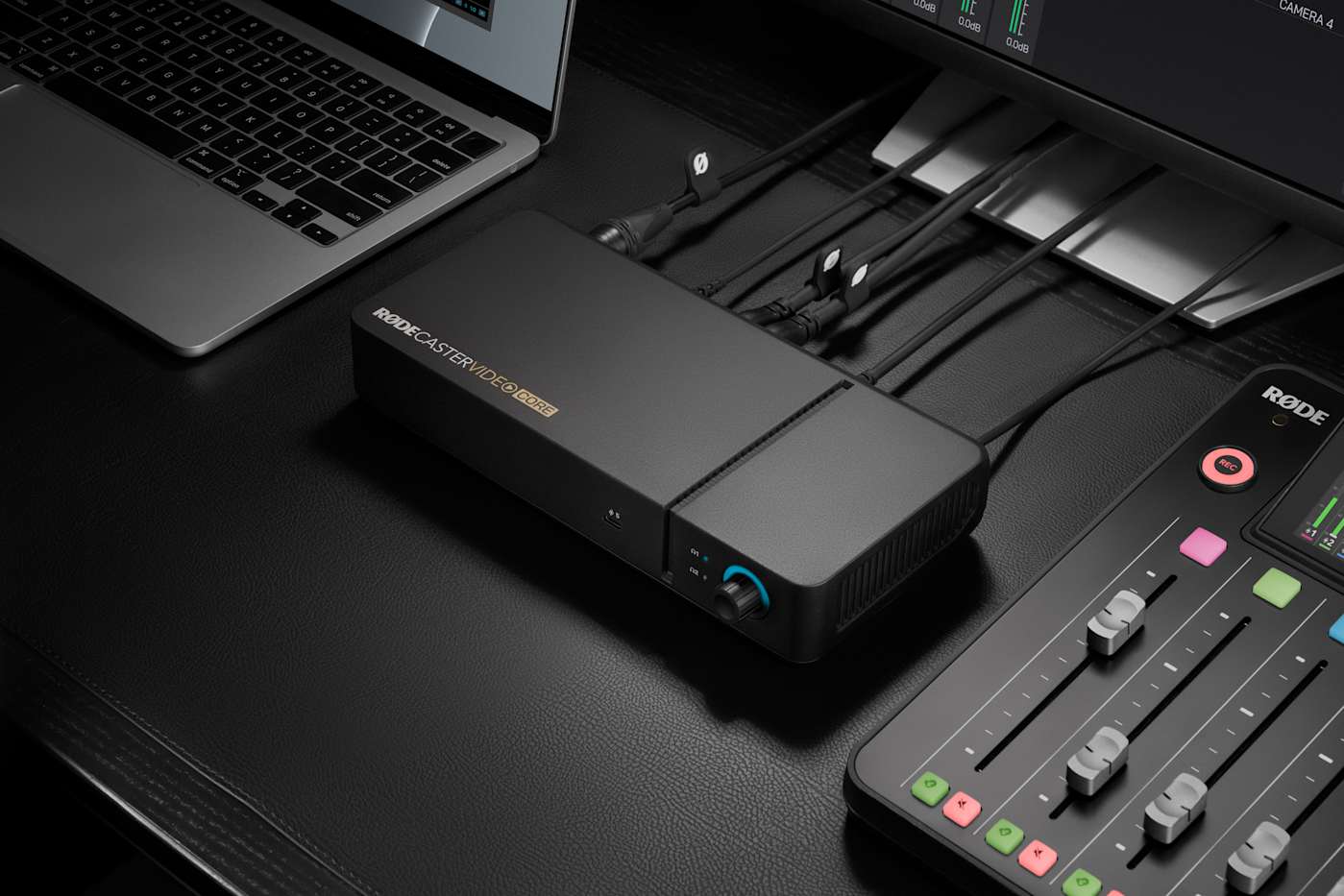
Introducing the Rodecaster Video Core
Rode continues its mission to empower budget-conscious creators with the launch of the Rodecaster Video Core, a pared-down yet powerful addition to its production tool lineup. Positioned as a more affordable alternative to the flagship Rodecaster Video and the mid-range Video S, the Video Core is tailored for those either exploring livestreaming for the first time or seeking to integrate HD video into their existing audio setups. By removing physical controls and shifting operations entirely to the Rodecaster App, Rode has streamlined the user experience while maintaining robust functionality. This strategic design choice not only reduces costs but also simplifies the learning curve for newcomers to the world of professional streaming.
Advanced Connectivity and Features
The Rodecaster Video Core boasts an impressive array of connectivity options, including three HDMI-in ports, one HDMI-out port, four USB-C ports, two 3.5mm inputs, and two Neutrik combo ports. This versatile setup allows users to connect up to four video sources simultaneously, with the added capability of integrating network cameras via Ethernet. For iOS users, the Rode Capture app enables wireless feed integration, further expanding the device’s flexibility. One standout feature is the ability to automatically switch between video feeds based on audio inputs, minimizing the need for manual adjustments during multi-person streams. Additionally, the Rodecaster Sync app ensures seamless integration with Rode’s audio consoles, such as the Rodecaster Pro 2 or Duo, allowing users to control both audio and video setups from a single desk.
Enhanced Streaming and Recording Capabilities
Designed with modern content creators in mind, the Rodecaster Video Core supports direct streaming to popular platforms like YouTube and Twitch, as well as other customizable options. Users can record footage to external drives and, thanks to a recent firmware update, export EDL files for use in DaVinci Resolve, streamlining post-production workflows. The device also accommodates non-standard resolutions and aspect ratios, such as square footage from social media, automatically scaling and optimizing them for seamless integration into streams. These features make the Video Core a versatile tool for creators looking to produce professional-quality content without breaking the bank.